- Toll Free: 5730 | +250 793 793 000
- [email protected]
-
Kigali, Rwanda
 English
 Français
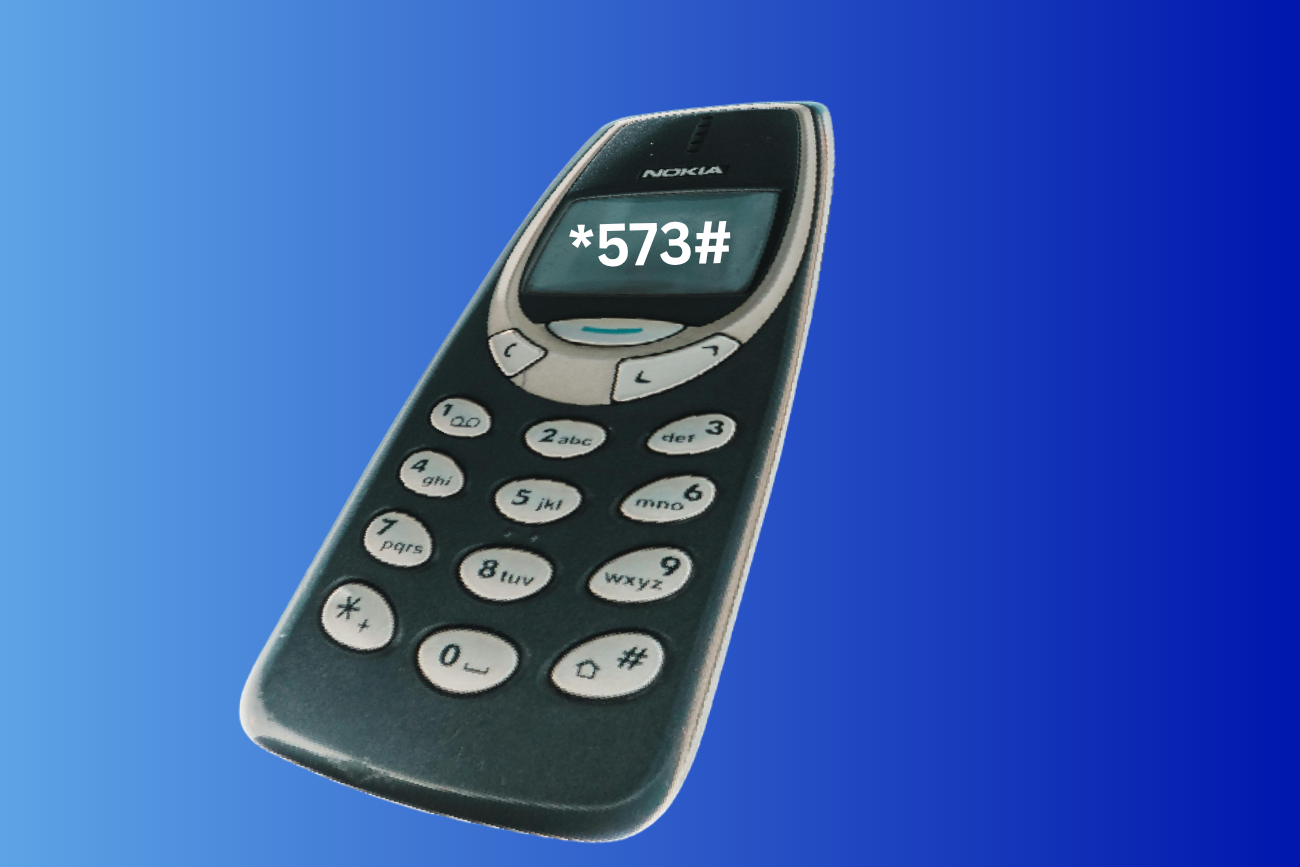
USSD Banking Services
Access essential banking services using USSD technology. No internet required, just dial from any mobile phone and manage your account instantly.
USSD (Unstructured Supplementary Service Data) works on smartphones and basic phones, making banking accessible for everyone.
Dial: *573# from your registered mobile number.
Follow menu prompts and enter your secure PIN to complete transactions.
Available USSD Services
Use these direct service shortcuts for faster operations with the CHIC FINANCE USSD menu.
Check Account Balance
Dial this shortcut to instantly view your current balance.
*573*1#Money Transfer
Transfer funds to CHIC FINANCE accounts or other banks quickly.
*573*2#Mobile Money Transfer
Mobile Money Transfer
*573*3#USSD Security Tips
Keep PIN Confidential
Never share your USSD PIN with anyone, including bank staff.
Use Private Location
Perform USSD transactions in safe, private environments only.
Verify Transactions
Always review account details and amount before confirmation.
Monitor Alerts
Check your SMS alerts after each transaction for verification.
Change PIN Regularly
Update your USSD PIN every 90 days to improve protection.
Report Issues Quickly
Contact support immediately if you see suspicious activity.
Frequently Asked Questions
Q: Is USSD banking secure?
A: Yes. It uses PIN protection and secure telecom channels for transaction requests.
Q: Will I be charged for USSD?
A: You only pay your mobile operator USSD session charges only.
Q: Can I use USSD on any phone?
A: Yes. USSD works on basic phones and smartphones without requiring mobile data.