- Toll Free: 5730 | +250 793 793 000
- [email protected]
-
Kigali, Rwanda
 English
 Français
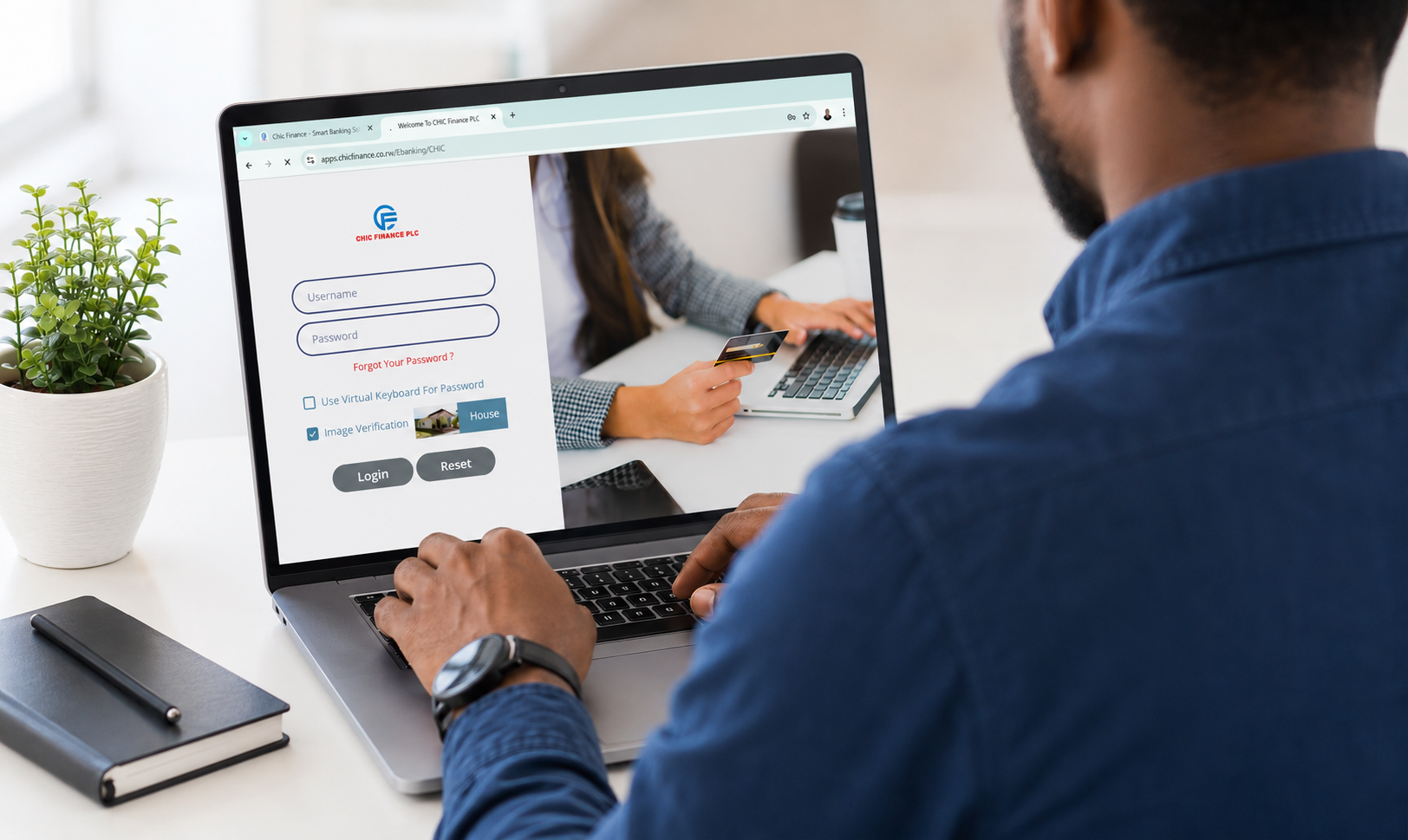
Internet Banking Portal
Manage your finances securely from any computer or laptop. Access your accounts, transfer funds, pay bills, and manage products online 24/7.
- Your account number or registered email
- Your secure case-sensitive password
- One-time code sent to your registered mobile number
Internet Banking Features
Comprehensive tools for daily banking, transfers, monitoring, and product management from one dashboard.
Account Management
View account details, balances, statements, and complete account history anytime.
Fund Transfer
Transfer funds between your accounts, to other customers, or internationally with ease.
Download Statements
Download and print account statements in PDF format for your records.
Beneficiary Management
Add and manage beneficiaries for faster and safer recurring transactions.
Loan Management
Review loan details, payment schedules, and repayment history online.
Alerts & Notifications
Enable custom alerts and receive transaction updates in real time.
Profile Management
Update profile details, passwords, and preferences safely and quickly.
Advanced Security Features
256-bit SSL Encryption
All data transmissions are encrypted using the latest SSL technology.
Multi-Factor Authentication
Username, password, and OTP verification are required for login.
Session Timeout
Automatic logout after inactivity helps protect your account.
Transaction Verification
High-value actions require additional OTP approval checks.
Fraud Detection
Smart monitoring flags unusual behavior and suspicious activity.
IP Whitelisting
Optionally restrict account access to approved locations.
Step-by-Step Login Guide
Visit Login Page
Go to www.chicfinance.rw/ebanking in your browser.
Enter Username
User Customer ID Provided.
Enter Password
Type your secure password carefully (case-sensitive).
Access Dashboard
You are now logged in and ready to bank online.
Important Security Tips
- Never share your password with anyone, including bank staff.
- Always use https:// secure connection when accessing the portal.
- Log out properly before closing your browser.
- Use strong unique passwords and change them regularly.
- Avoid public/shared computers for internet banking sessions.
- Keep device antivirus and antimalware updated.
- Report suspicious activity immediately to customer service.